The Exploring Reader

This project is a dedicated web platform built for the literary podcast "The Exploring Reader". It serves two purposes: providing a professional public-facing site where listeners can explore books mentioned in episodes, and a private administrative dashboard that allows the creator to manage a digital library of transcripts and book details.

User Problem

The creator of "The Exploring Reader" needed a way to bridge the gap between their audio content and their listeners' desire for written details. While a podcast platform hosts the audio, it’s difficult for listeners read along with transcripts.

Technical Motivation

From a coding side of things, this was a major milestone for me as it was the first time I used PHP. At the time, I hadn't learned React or modern frameworks yet. I decided to dive into PHP head-first to build a custom solution from scratch to move beyond static HTML and CSS and create something truly dynamic.

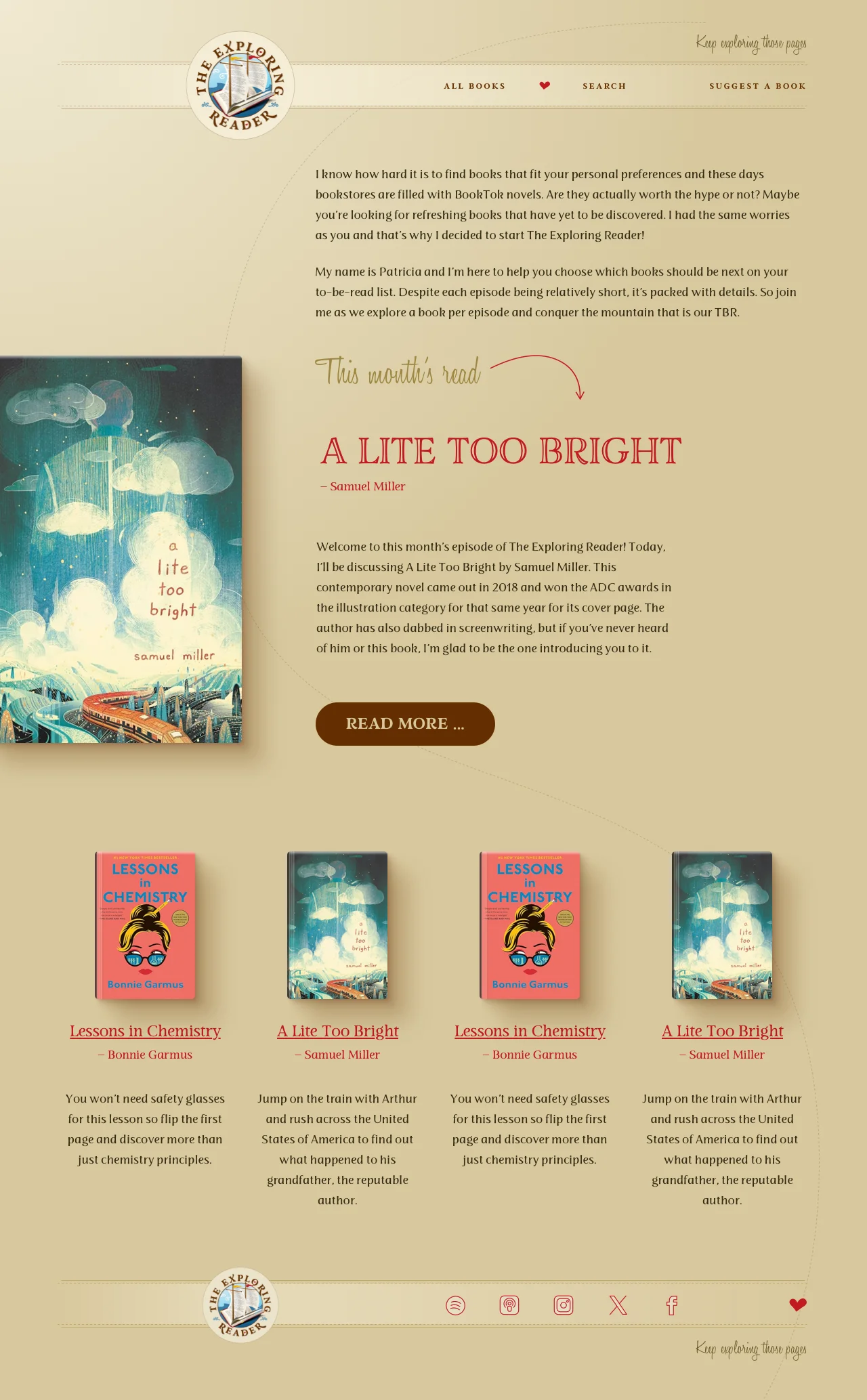
Homepage - public facing website

How?

Backend & Database

Since I needed a way to store and retrieve data, I used PHP and MySQL to build a custom Content Management System (CMS). I designed a database to store book titles, authors, episode numbers, and all information necessary.

CRUD Logic

I developed a secure administrative dashboard where the creator can log in to "Create, Read, Update, and Delete" book entries. This was my first introduction to how full stack applications work: handling GET and POST requests, managing database connections, and ensuring that form data was correctly sanitized before being saved. For the frontend, I focused on a clean, reader-friendly design that prioritized the content, ensuring that the podcast transcripts were easy to consume on any device.

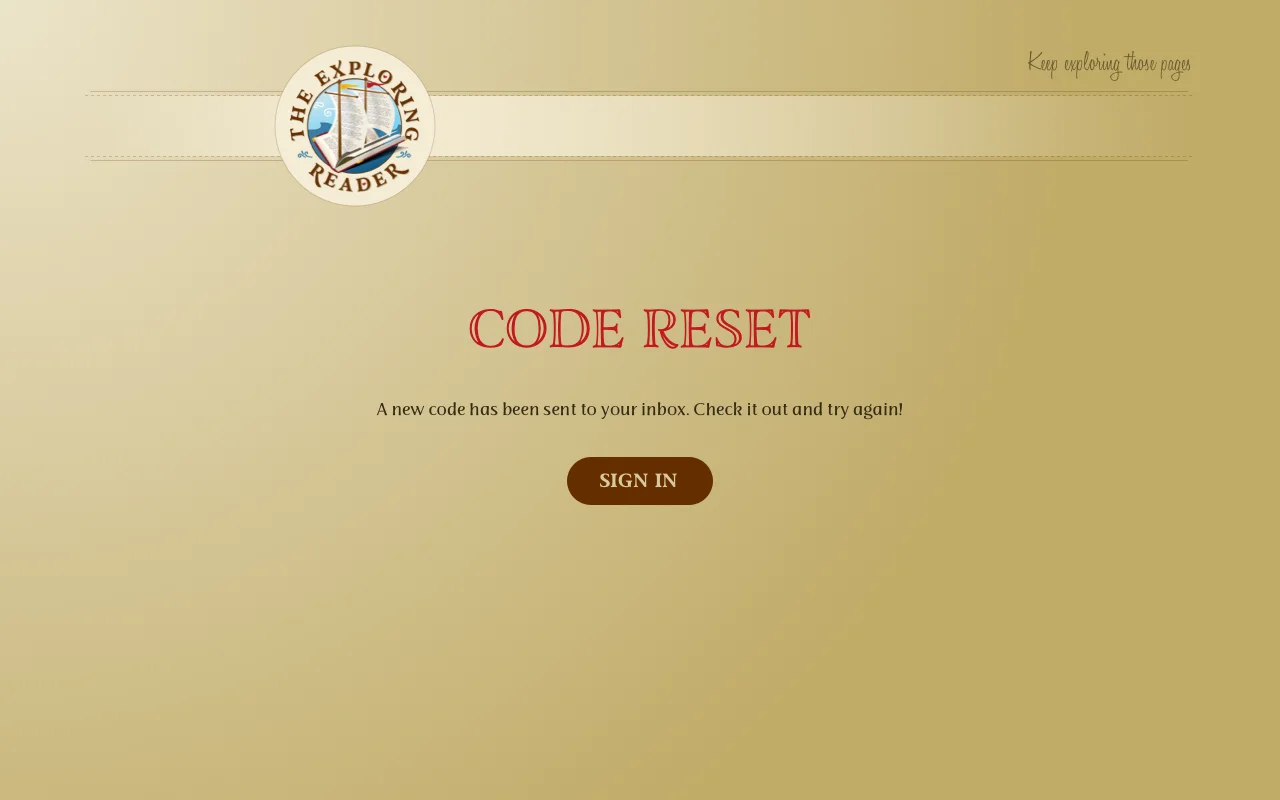
For the creator dashboard, I implemented a secure "Forgot Password" feature. This required me to learn how to generate unique, time-sensitive tokens, store them in the database, and use an email server to send a reset link to the creator. It was a great introduction to backend security and the logic required to verify a user's identity outside of a standard login form.

Third-Party API Integration

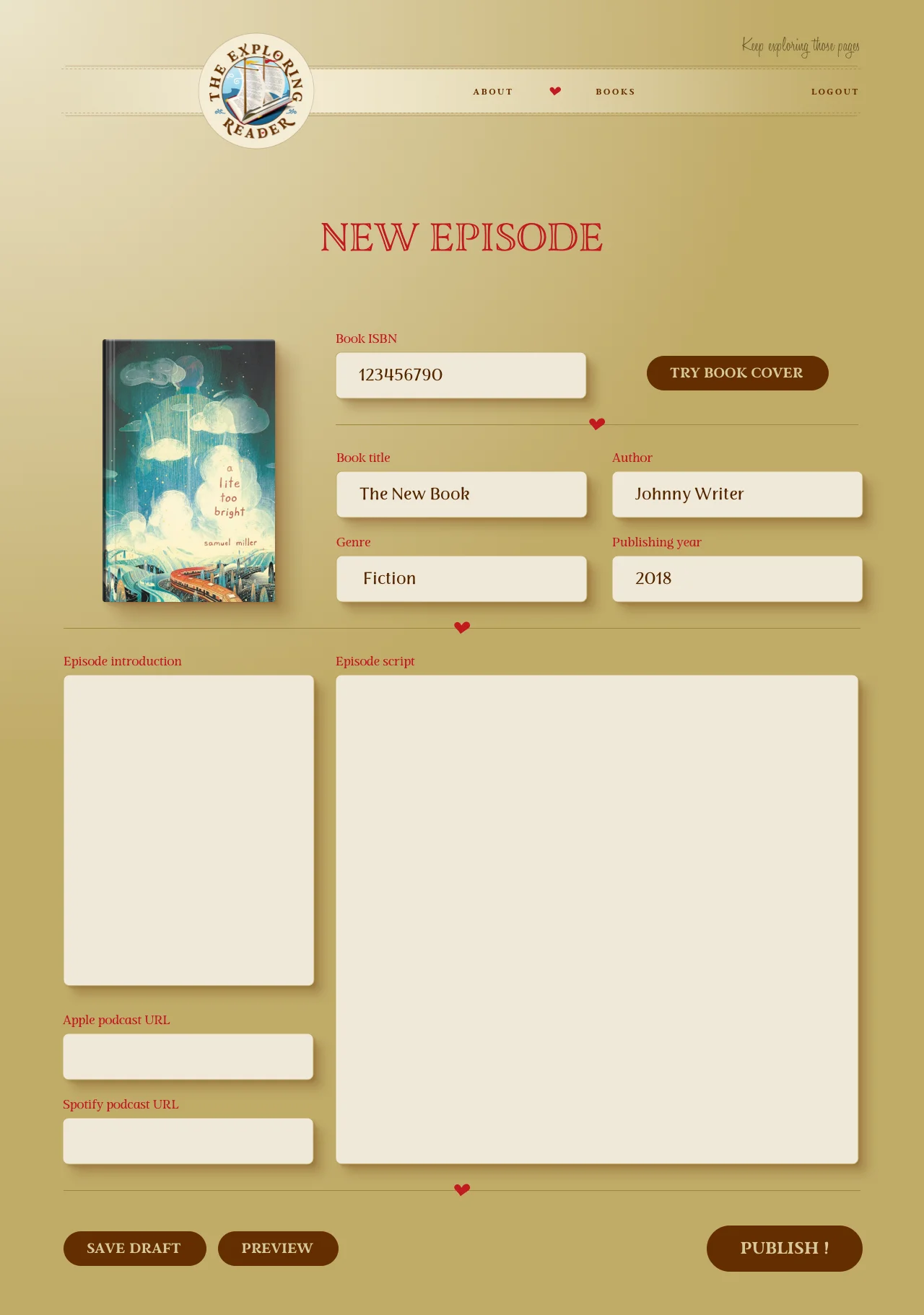
To streamline the content creation process, I integrated the Google Books API. Instead of manually uploading images, the creator simply enters a book's ISBN.

Create New Book - Admin facing website
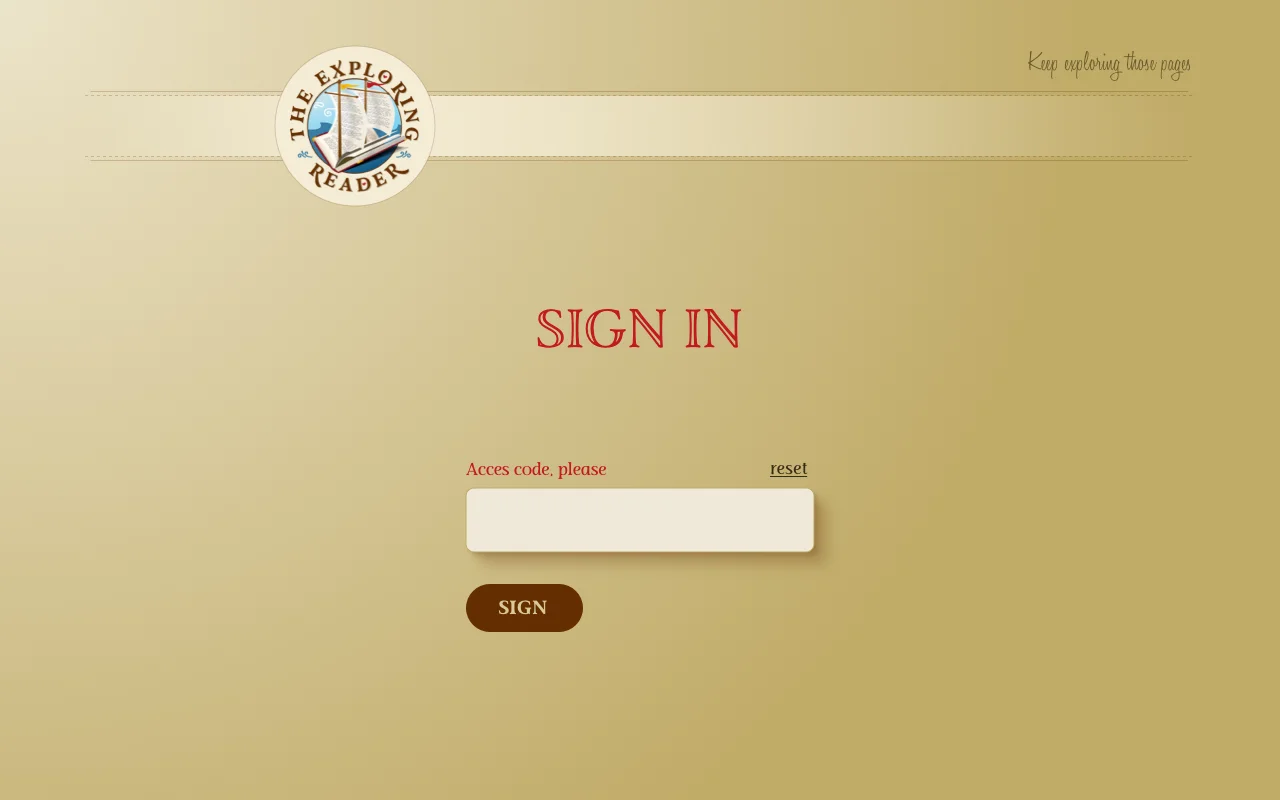
Sign in page for Admin
"Forgot Password" feature
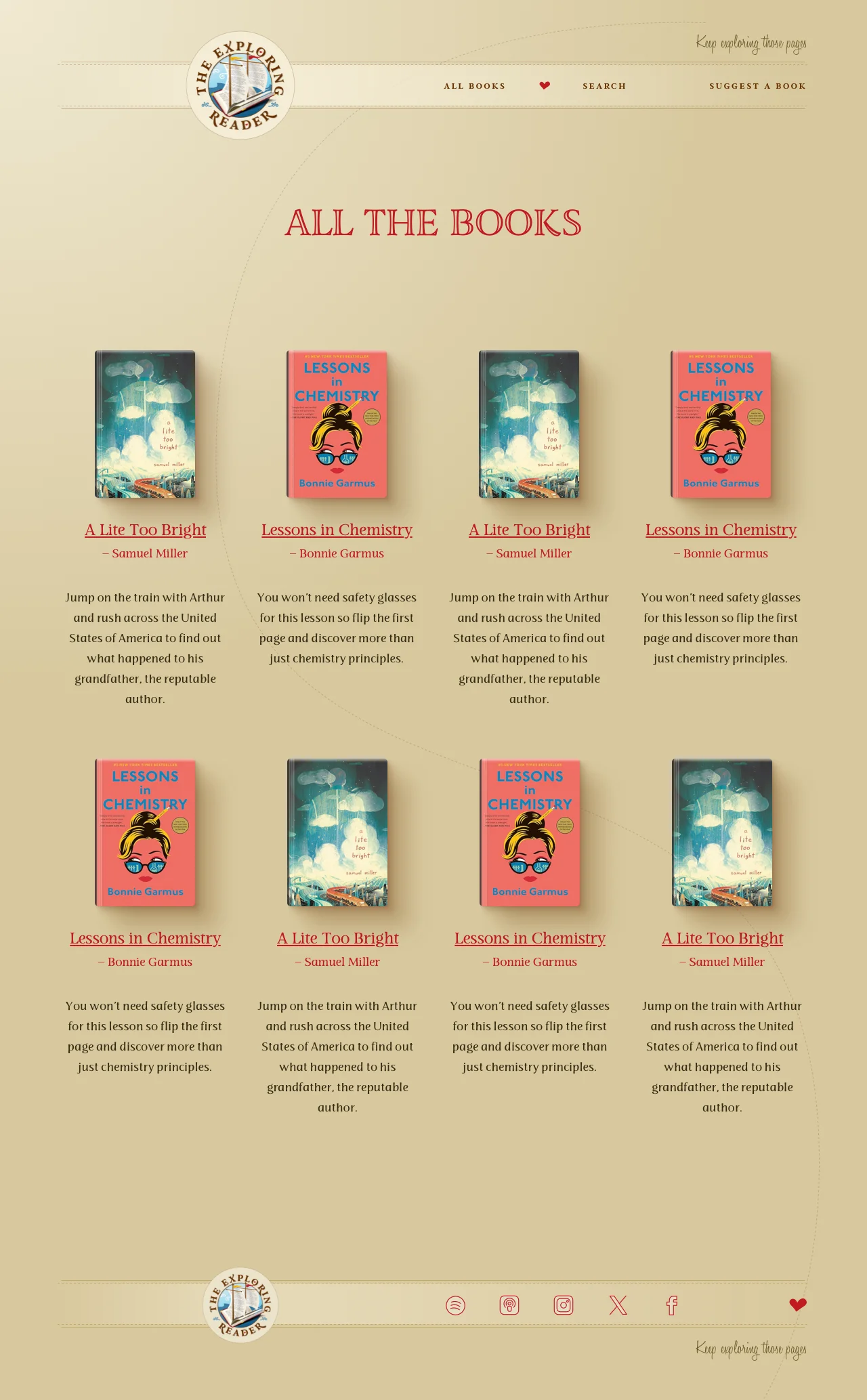
All books page - public facing website
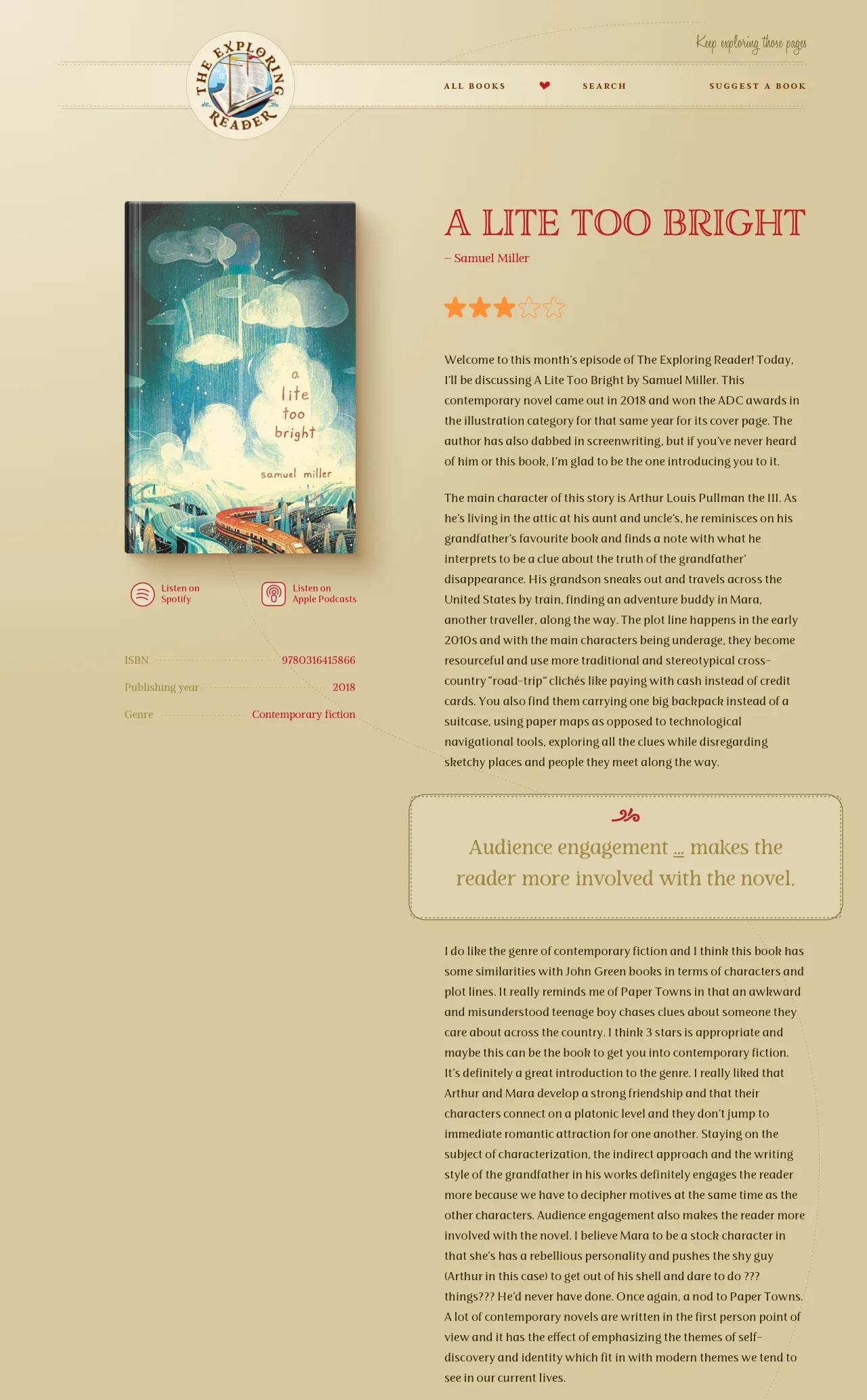
Book page - public facing website
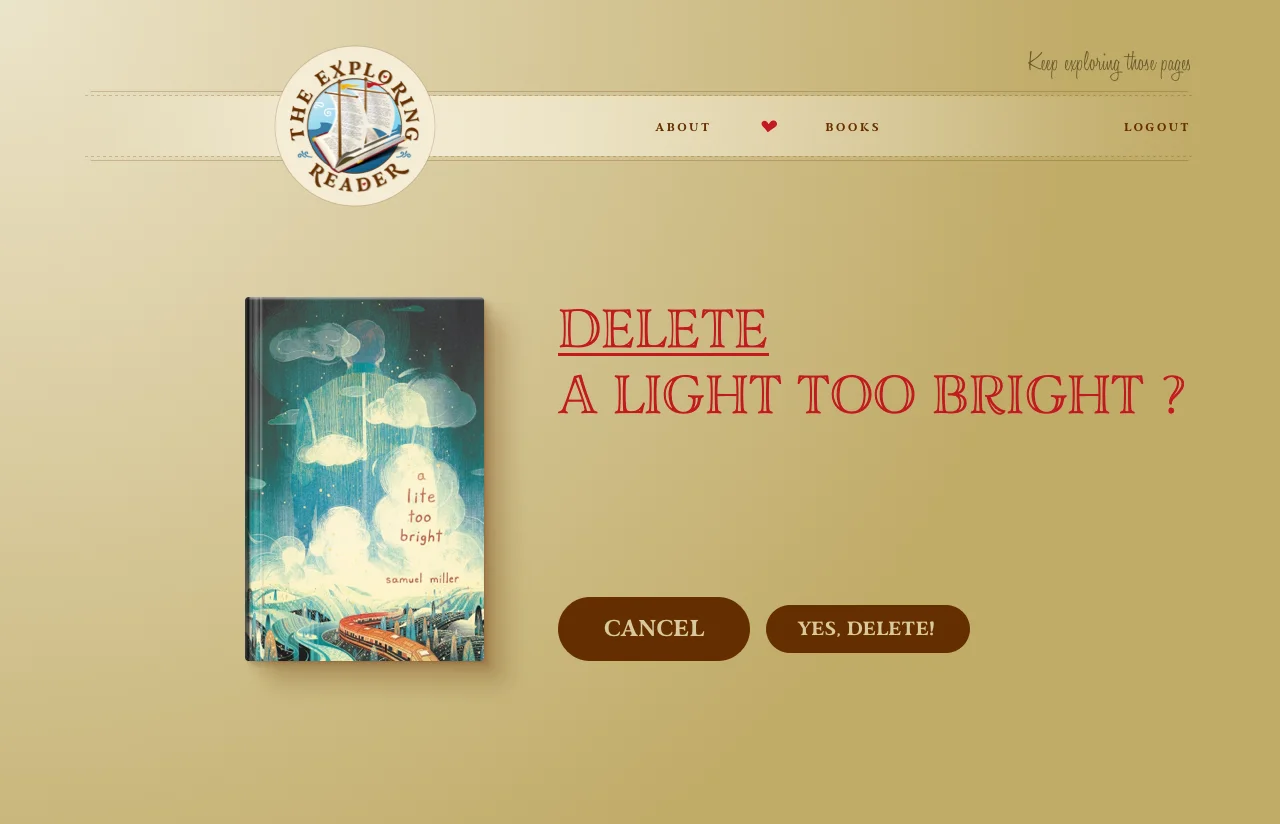
Confirmation page to delete book

Challenges

Learning Curve

The biggest challenge was the initial learning curve of PHP and general backend logic. Coming from a background of only static pages, understanding how to handle data exchanges was a major milestone. This was the first time I wrote my own APIs to handle the communication between the frontend and the database. Learning how to structure an endpoint so it could securely receive data from a form and send back the correct response was new to me. I had to learn the basics from scratch, such as setting up a local server and maintaining session security for the admin login.

Content-Aware IU

Lastly, because podcast transcripts are very long, I didn't want the pages to look like a giant wall of text. I implemented a "Pull Quote" system that allows the creator to highlight one or two key moments from the transcript. The real challenge was the logic behind the placement: I had to calculate where to inject these quotes based on the total number of paragraphs and the total number of pull quotes to ensure they were spaced out evenly. It was my first time thinking about content-aware UI, where the code has to "decide" the best layout based on how much text the user provides.

SQL Dialects: Postgres vs. MySQL

When it came to the data, I already had some previous knowledge of PostgreSQL from school, so the database logic felt familiar. In fact, I found this implementation much simpler than my school assignments. However, working with MySQL for the first time did have its surprises; the biggest one being that MySQL doesn't have a native boolean type (it uses TINYINT instead). It was a small but interesting lesson in how different SQL dialects handle data.

Roadmap & Improvements

While the core library management is functional, the project is currently in active development to complete the public-facing experience. My immediate next steps involve building:

  • A Search & Discovery Page: I am implementing a dedicated Search page that allows users to filter the library by genre, author, or episode.
  • A Listener Engagement page: I am building a Contact portal where listeners can directly submit book recommendations or feedback to the creator. This feature is designed to turn the website from a static archive into a community-driven platform.

Beyond the original feature set, I am looking for ways to optimize the creator's workflow. Currently, adding an episode requires manual copy-pasting of long transcripts. I plan to implement an Automated Metadata Extractor. Instead of manual entry, the creator would simply provide a link to the episode on Apple Podcasts or Spotify. The backend would then use an API to fetch the episode metadata and potentially interface with a transcription service to pull the text automatically.

Finally, I’m looking into SEO to ensure that each book page is indexed correctly by search engines, helping new listeners discover the podcast through the specific titles they are searching for online.
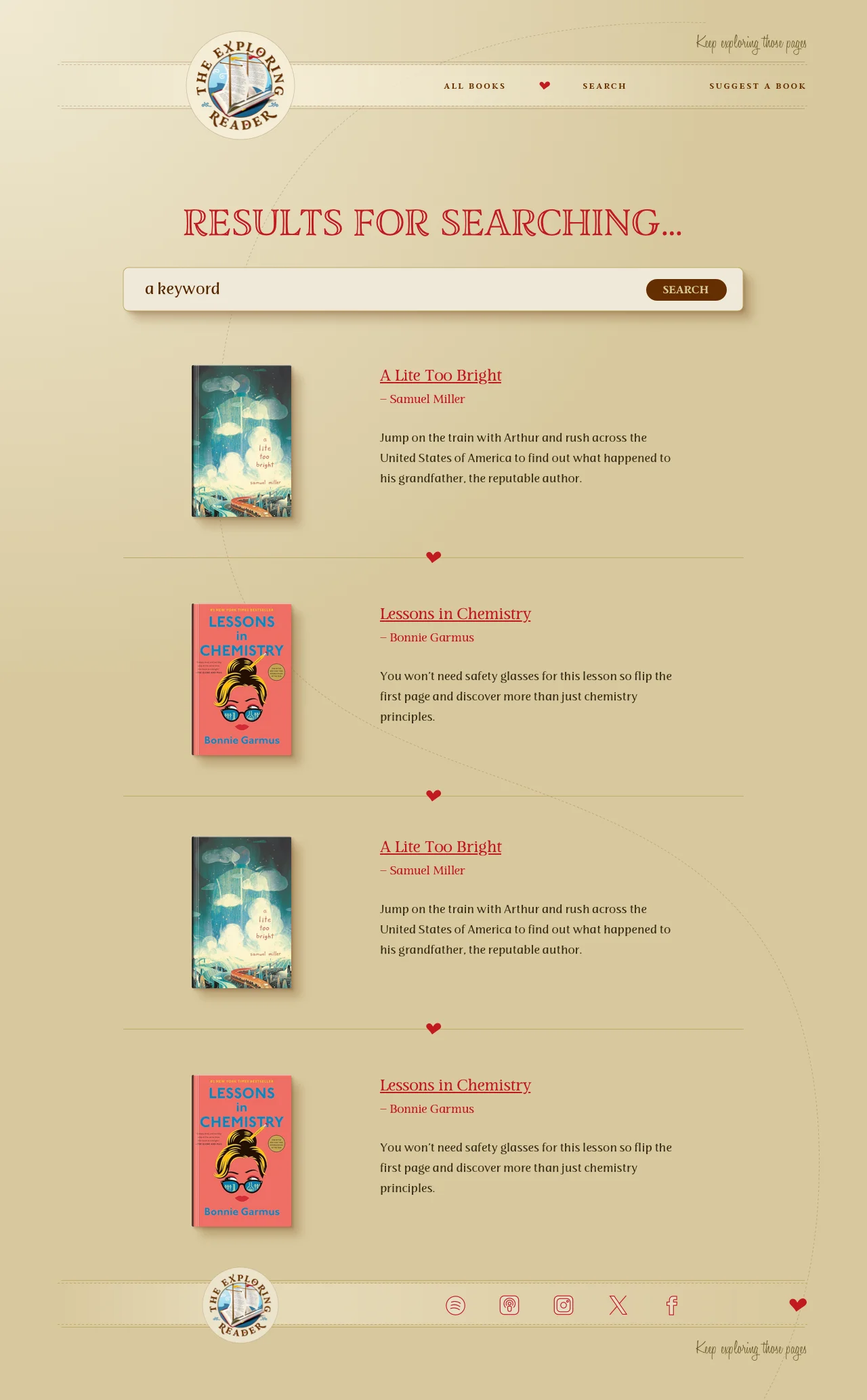
Search page results