A Game Jam project built in 48 hours using React.js and Vite. It features a real-time radius calculation engine to simulate the environmental and social "ripple effects" of urban development.
This project was a test of engineering speed. Building a playable game from scratch in two days required us to prioritize a core mechanic (the Ripple) and ensure the game logic was robust enough to handle real-time stat changes.
For this project, we intentionally chose React.js because our team was already comfortable and proficient with it. We decided that a high-stakes Game Jam was the time to leverage our existing expertise rather than learn a new language. This allowed us to bypass the learning curve and focus entirely on solving complex gameplay logic and ensuring a bug-free experience under pressure.
How?
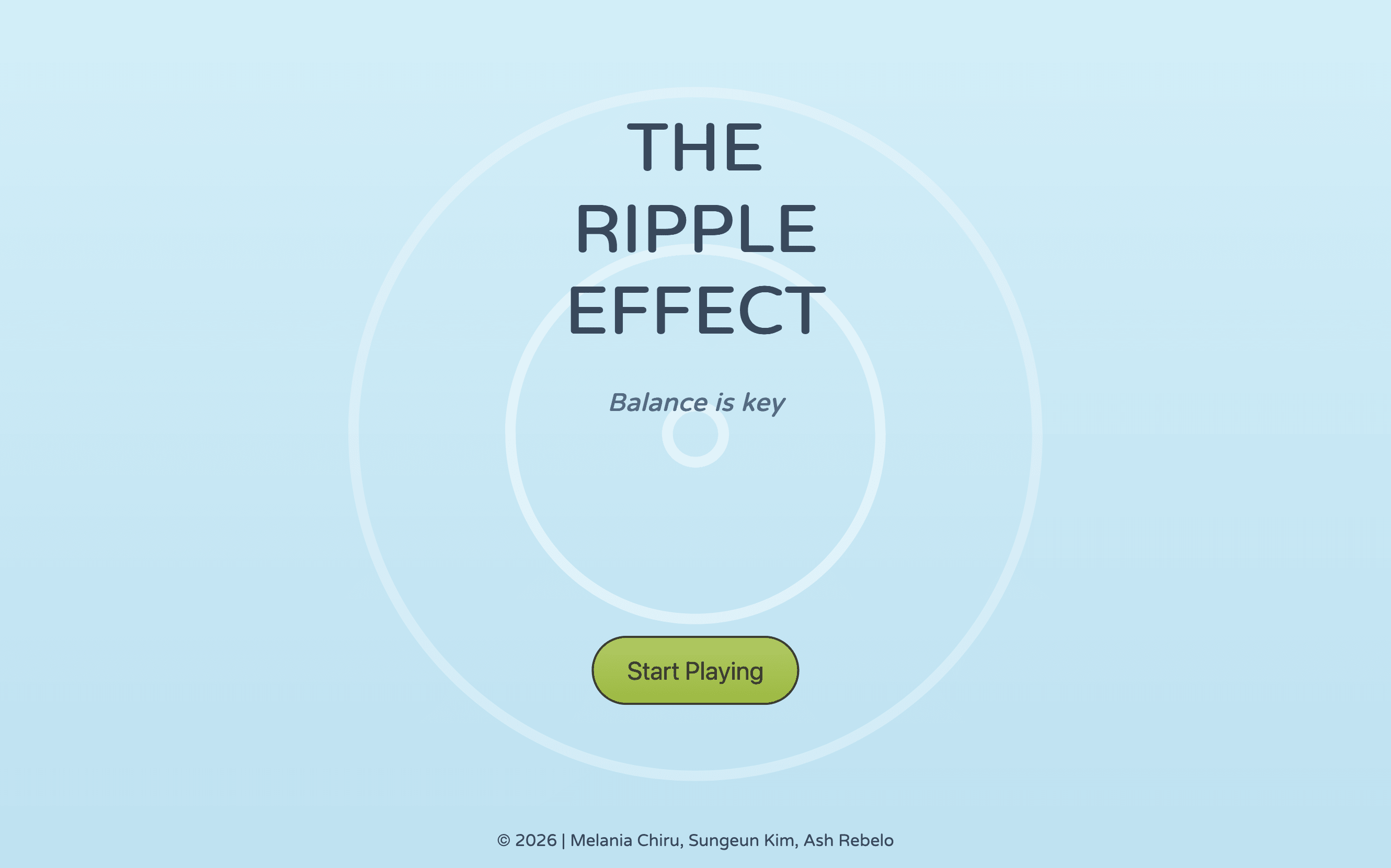
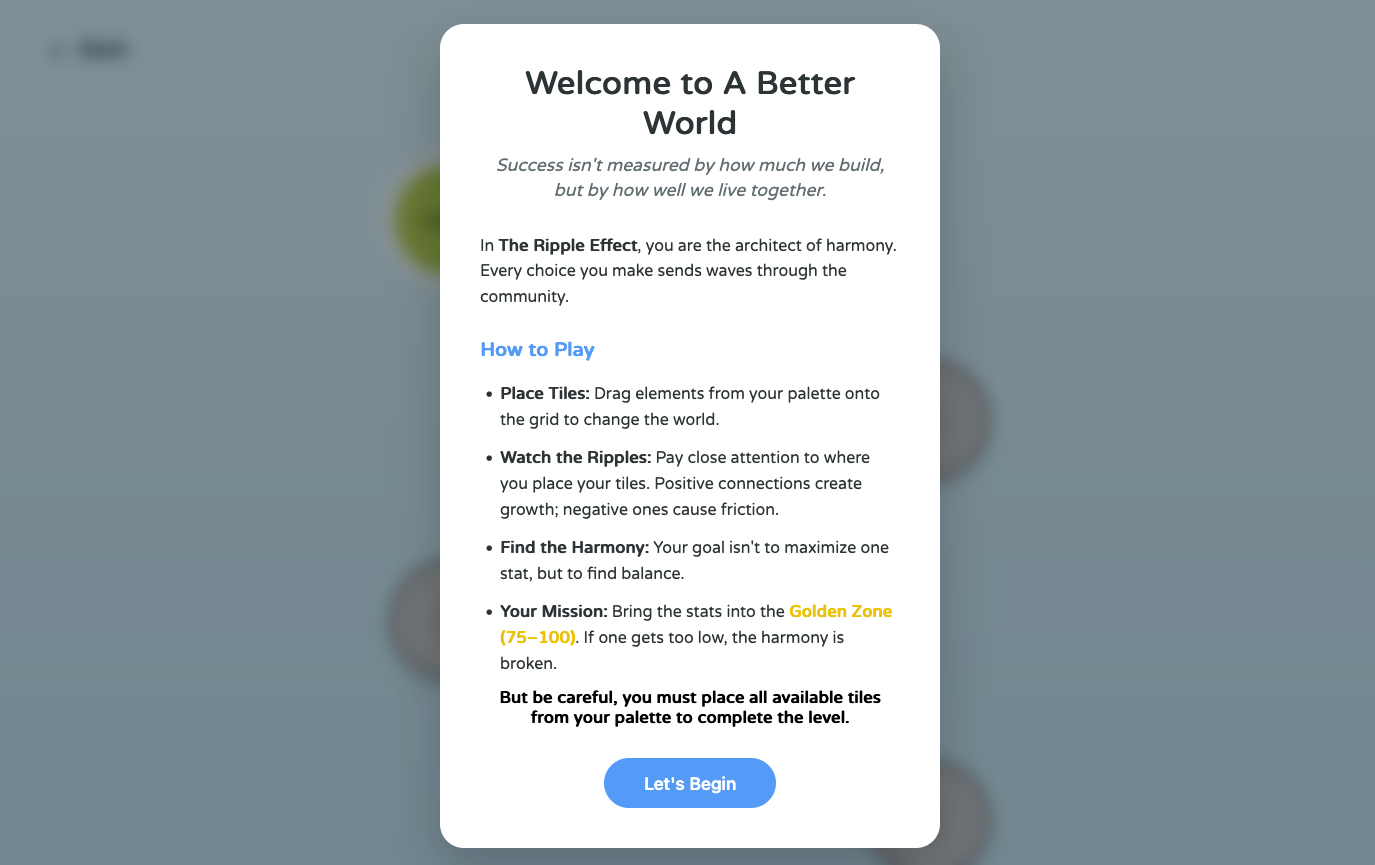
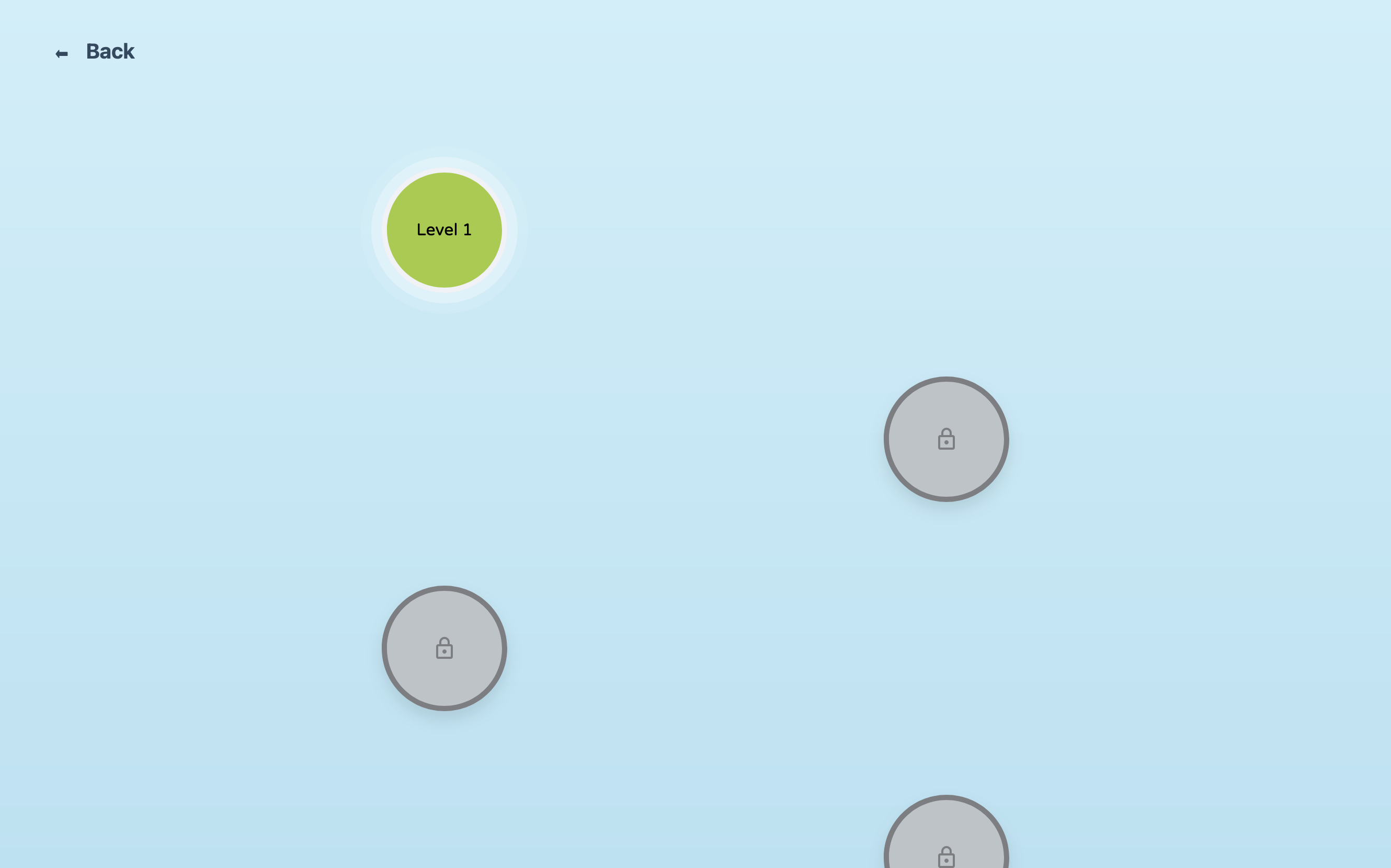
- UI/UX & Design: I was responsible for the entire visual identity of the game, including the styling and UX flow. I designed the interface to ensure that moving from the landing page to the game levels felt seamless and intuitive.
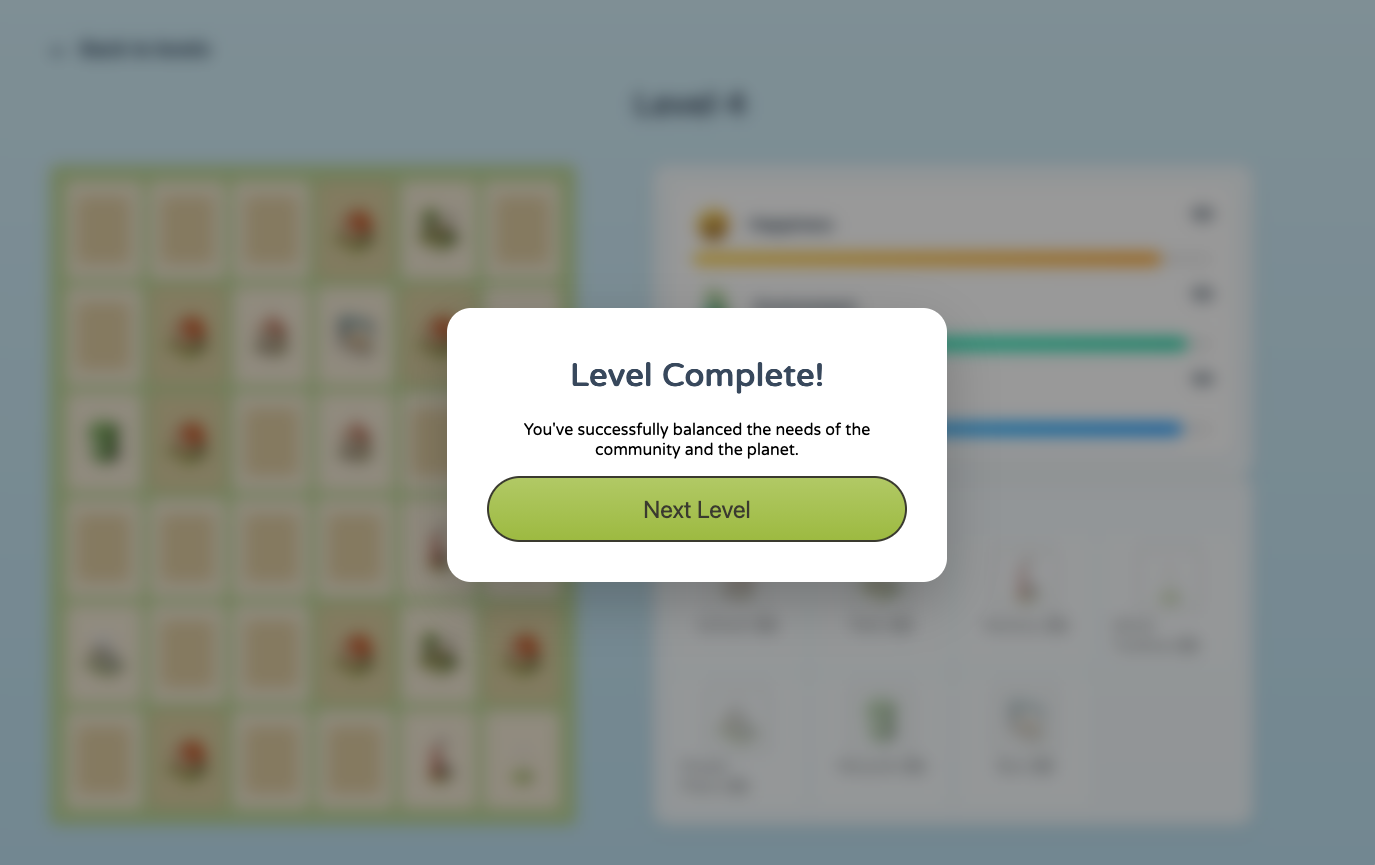
- Architecture & Game Logic: I came up with the strategy to use browser cookies to manage level progression unlocking, allowing the team to implement a persistent experience without a database.
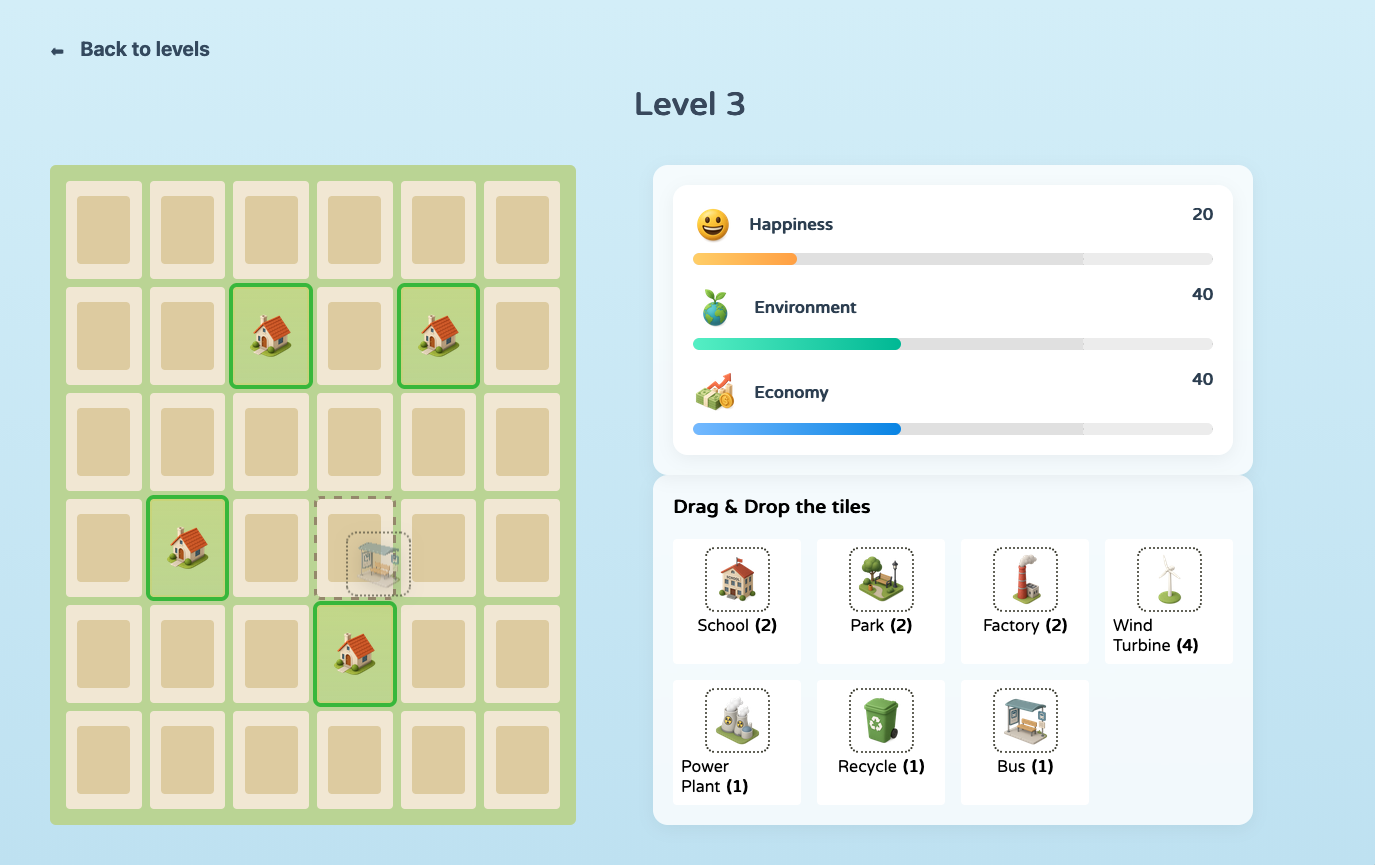
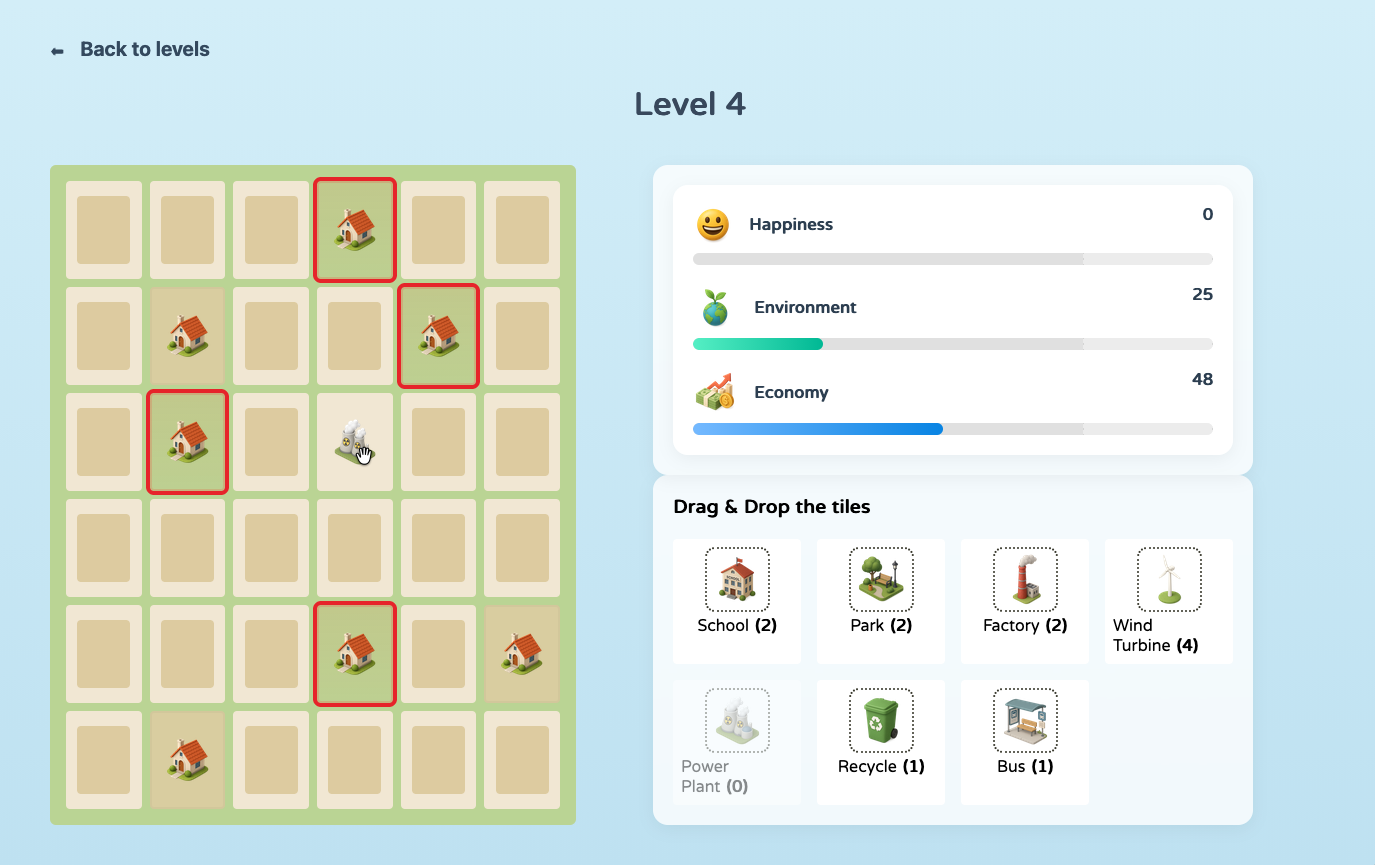
- Stats Engine: I implemented a Live Stats Engine that dynamically balances three global variables: Happiness, Environment, and Economy, based on the spatial logic of the tiles.
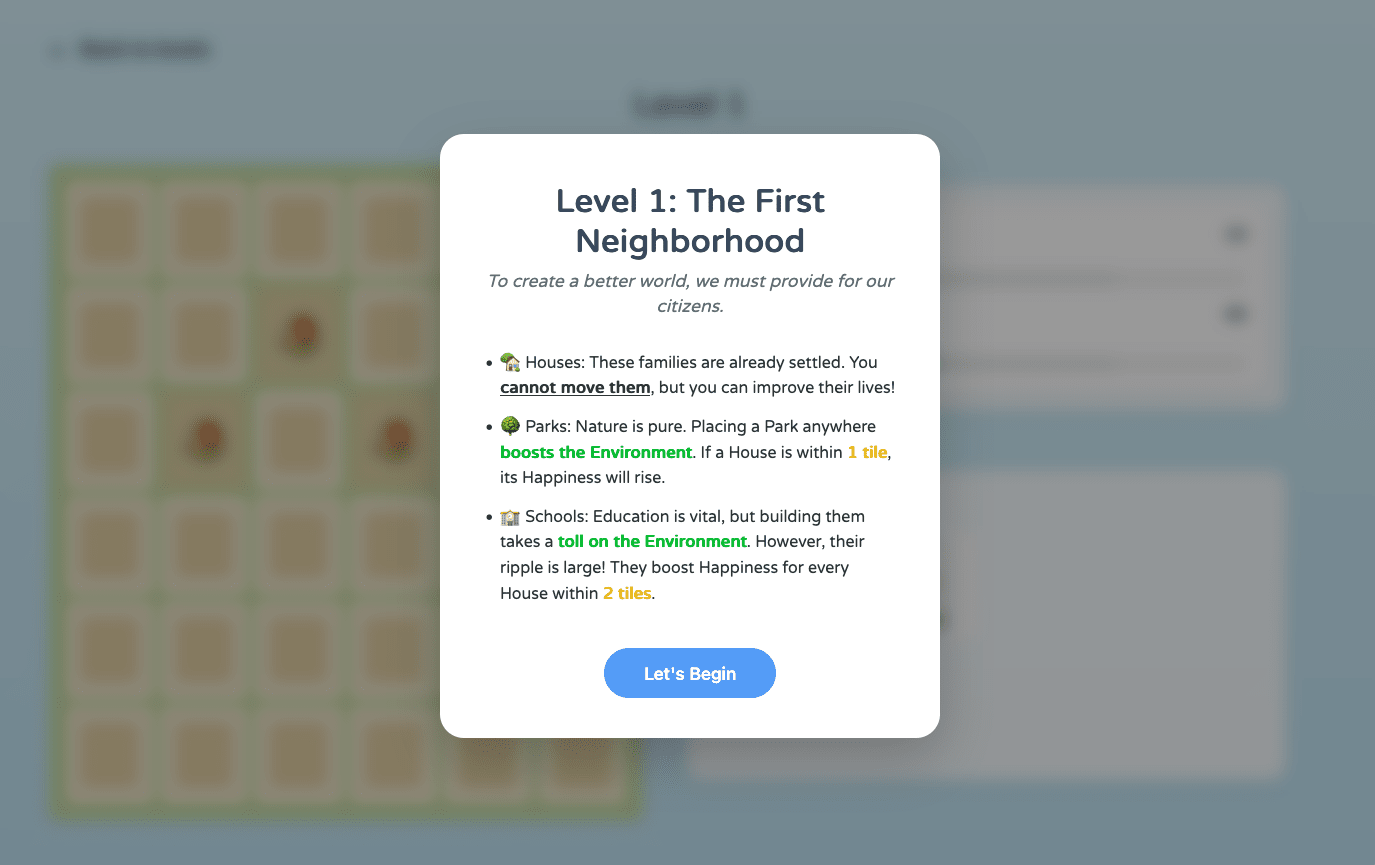
- Level Design: I worked closely with the team on the level design, helping to balance the difficulty and placement of tiles like Bus Stops and Power Plants to ensure a challenging player experience.
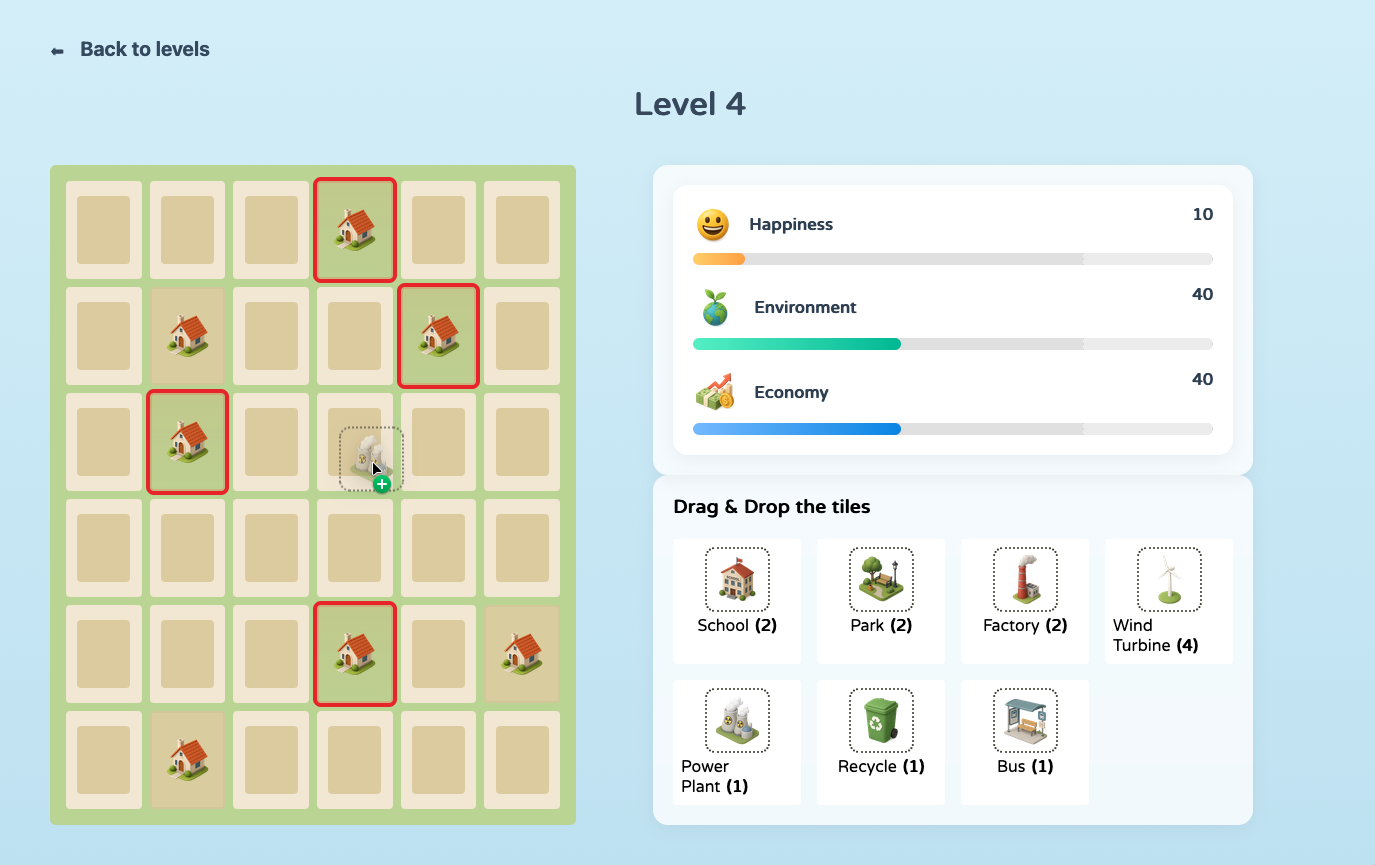
- The Ripple System: We engineered a radius calculation algorithm that triggers whenever a tile is placed, scanning the surrounding grid to apply "happiness" or "pollution" modifiers.
Challenges
Team Coordination & Git Workflow
Working in a team of three under a 48-hour deadline meant we had to be extremely disciplined with our Git workflow. I focused on ensuring the styling and UX remained consistent while the backend logic was being updated, requiring constant communication to avoid merge conflicts.
Browser Engine Discrepancies
I encountered a specific challenge with CSS/JS hover rendering while building the UI. I implemented a real-time hover highlight that shows the impact before you drop a tile. While it works perfectly in Firefox, I identified that different browser engines handle mouse-over events on complex grid layers differently, which is an area I am planning to refactor for full cross-browser parity.
Possible Improvements
- Cross-Browser Parity: Currently, the real-time hover highlight is optimized for the Firefox rendering engine. I plan to refactor the event-handling system to ensure a consistent, high-performance experience across Chrome and Safari, making the "pre-placement" feedback universal.
- Deep State Persistence: While the current version tracks level unlocks, I want to implement a more granular Save & Resume feature, allowing players to pick up a session exactly where they left off.
- Complex Tile Synergies: I would like to expand the level design to include "chained effects," where certain buildings provide unique bonuses only when placed adjacent to specific neighbors (for example, a Bus Stop providing a higher happiness boost if connected to a Park or School).